
Hi, I'm Smew. The AI Image Agent for business-ready visuals.
Consistent characters and style. Refine with precision. Deliver with confidence.
From first draft to business-ready visuals.
An AI image agent for product shots, campaign assets and brand visuals. Keep refining the same image, from first draft to final delivery.
Keep the details that matter
Compare focused outfit and accessory changes, each made from the same reference image.
GPT Image 2.5 model demonstrations. Editing comparison shared by @chetaslua ↗
Start with your next campaign.
Creative examples. Select one to customize its prompt before generating.
A new direction. Still unmistakably yours.
Bring a reference, then explore a new look. Keep your subject and creative direction in focus as the image evolves.
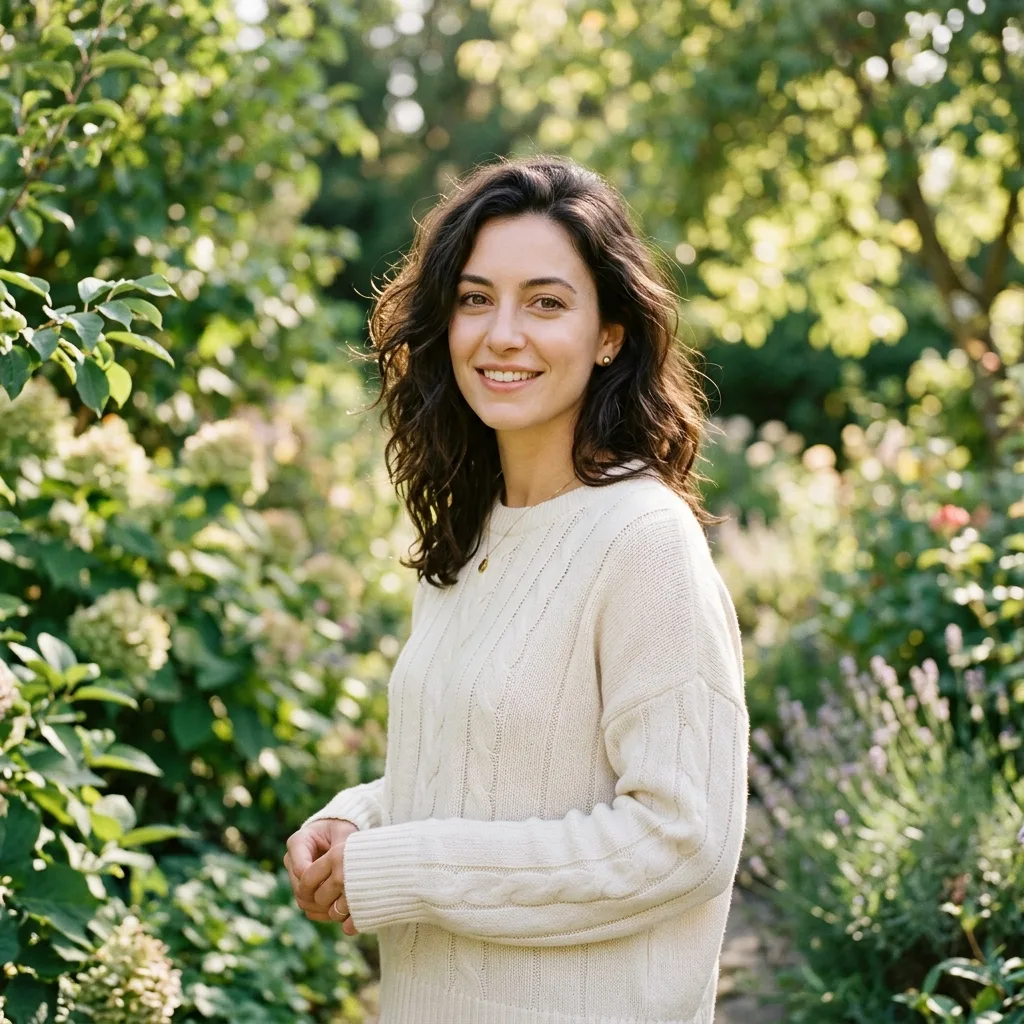
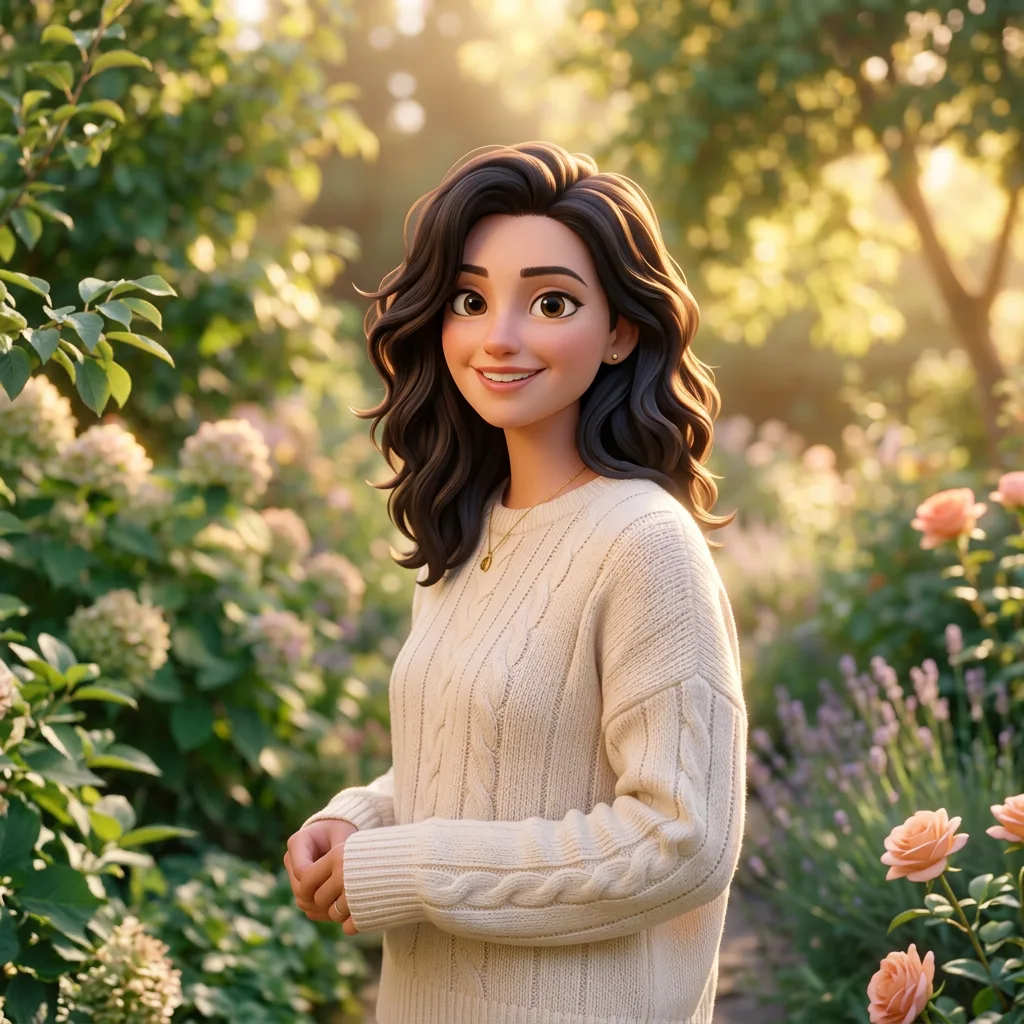
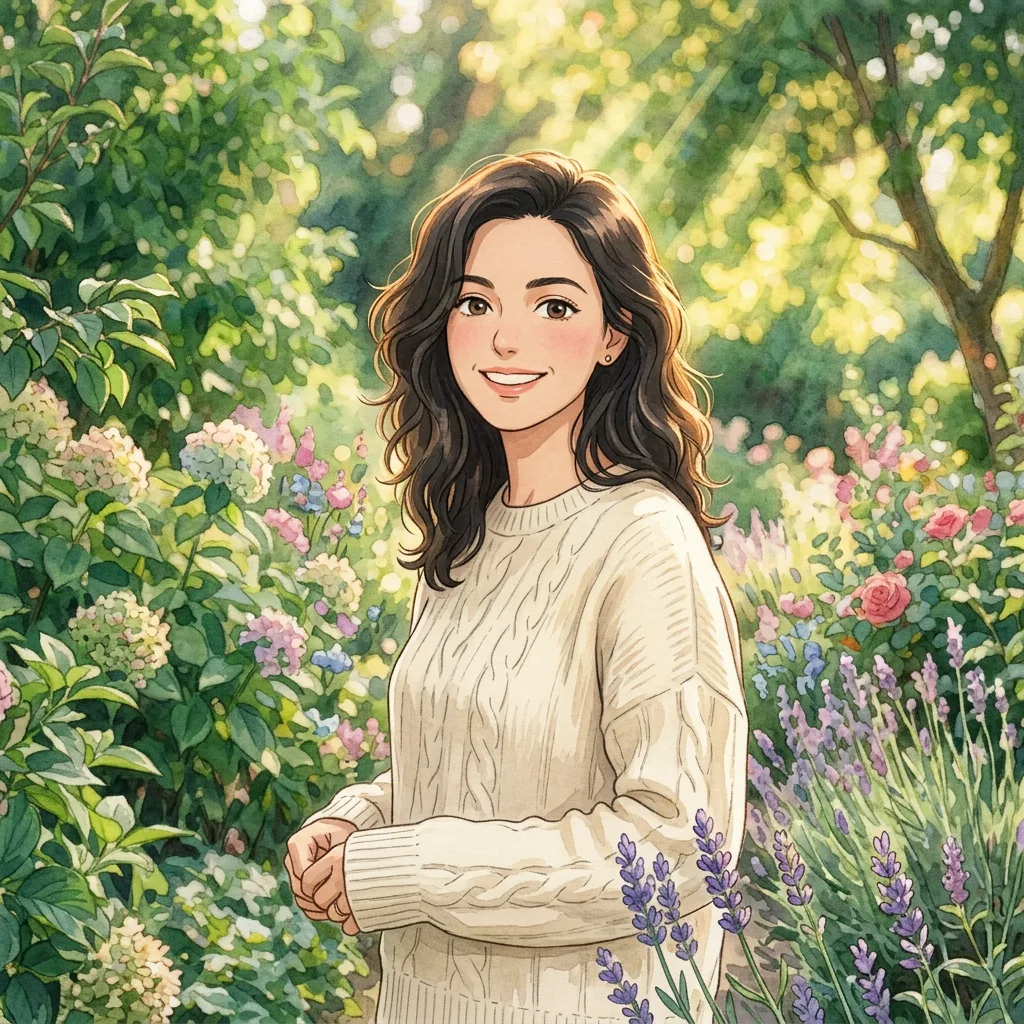
Keep her facial features and cream sweater. Reimagine the portrait as a warm, hand-painted illustration.
Reference-led style exploration
Point it out. Make it yours.
Circle a detail, add an arrow, or say what needs changing. Give the agent a clear target and refine the image through conversation.
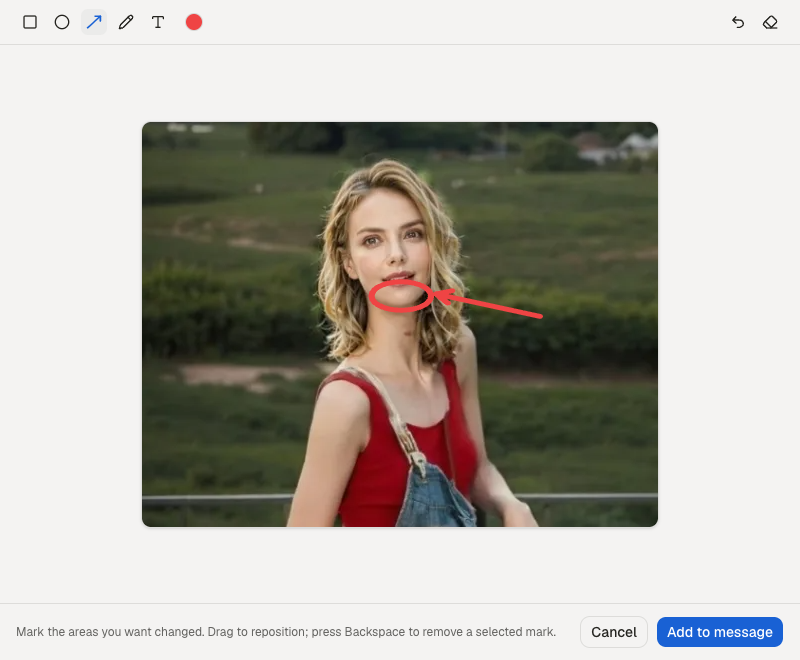
Change the lipstick to a rich red. Keep the rest of the look natural.
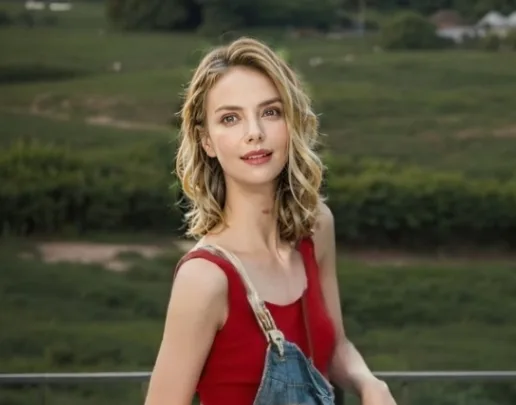
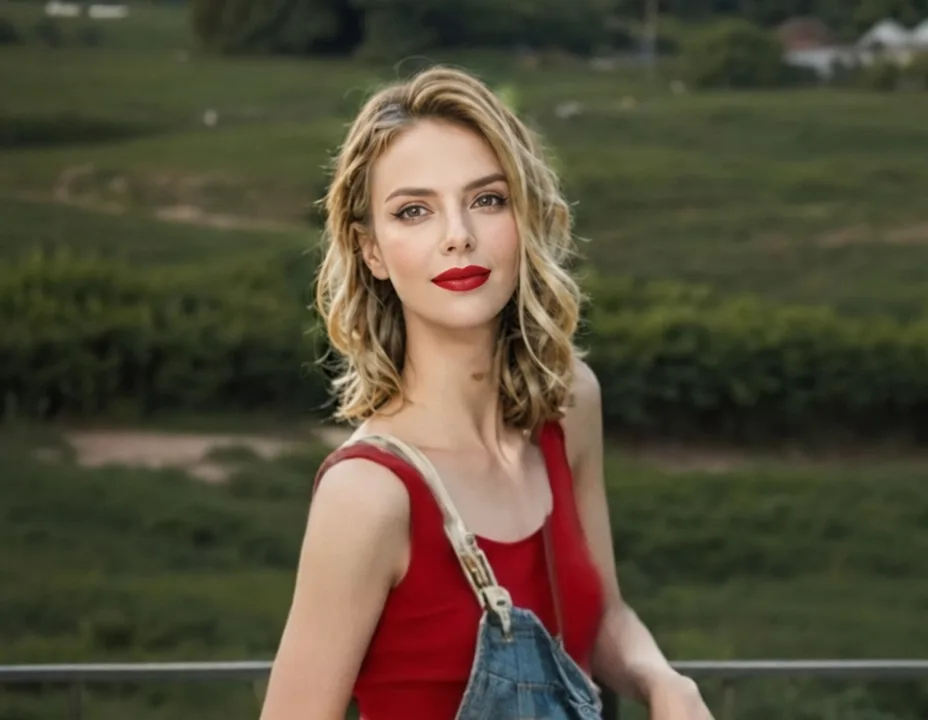
Your next idea can start with an earlier one.
Return to an image in your conversation, select it, and keep editing. Explore another direction while earlier results stay in your history.
Explore these example starting points
Example images. Your own creations are saved in your conversations.
A creative partner, from the first thought to the final detail.
You bring the direction. Your image agent helps turn it into a picture, then works with your feedback.
Tell it what you need
Describe the purpose, style and details. Add references when words are not enough.
Shape the image together
The agent translates your request into visual instructions and generates or edits your image.
Refine, revisit, download
Give feedback, continue from an earlier result, and download the image you want to use.
Default image model
GPT Image 2.5 FlareCreative control, backed by GPT Image.
GPT Image 2.5 Flare is the default for new creations. Work with references, detailed instructions and conversational edits in one place.
About the GPT Image 2.5 models- Text & composition
- Give posters and covers a clear visual direction, including the words you want in the image.
- Reference fidelity
- Guide a new image with the people, objects and visual details in your references.
- Focused revisions
- Specify what to change and what to keep as you work through successive edits.
A few things before you create.
What can I make?
Create covers, posters, brand concepts and illustrations, or edit an existing image. Start with a description, a reference image, or both.
Can I change just one part of an image?
Yes. Open an image in the conversation and use the annotation tool to point out the area, then describe the change. Results can vary; review the image and refine it if needed.
Can I keep editing an earlier result?
Yes. Open a saved conversation, select an earlier image and continue editing from it. Earlier images remain available in that conversation.
Which model does it use?
New creations default to GPT Image 2.5 Flare through fal. You can choose other available image models in the composer.
How do credits work?
Image generation and editing use credits. Check the selected model and generation settings before submitting, and visit Pricing for current plans.
Can I use the images for my business?
Use images in line with our Terms of Service and applicable rights. Only upload references you are allowed to use, and review text, logos and details before publishing.
What will you create next?
Bring an idea. Give it a direction. Make it yours.